Exporting to PDF
A drawing can be exported as an PDF (Portable Document Format) file format.
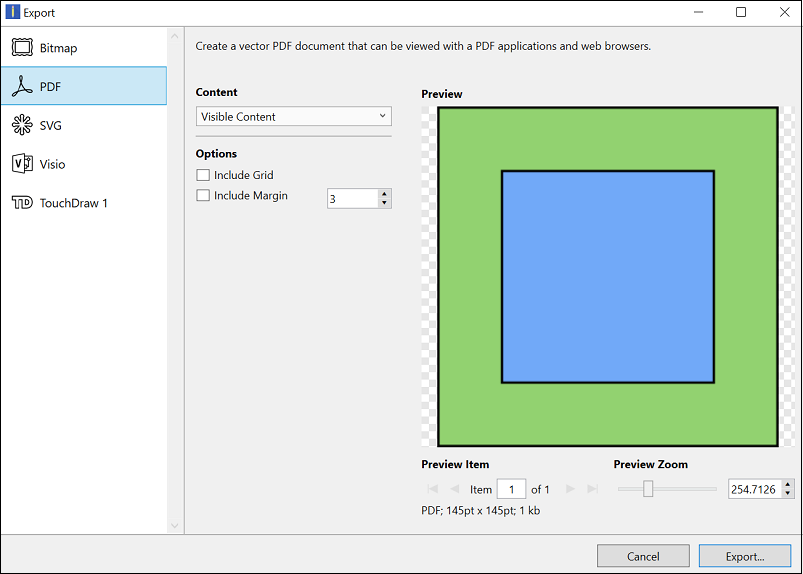
Click on the name of the PDF Export Option to learn more about what actions occur upon selection.
| Option Name | Description |
|---|---|
| Content | The Content option is used to select what will be exported: current layer, current selection, all layers, or visible content. |
| Include Grid | The Include Grid option tells TouchDraw 2 to include (or not include) the grid in the generated file. |
| Include Margin | The Include Margin option generates a margin of a specified size around the drawing to be exported. |
| Preview Zoom | The Preview Zoom slider can be use to increase or decrease the zoom level in the export preview pane. |